Choose what matters to you
Select at least one wish below.
34.1 in • 3440 × 1440 • IPS • 100 Hz • 90 W
One overview for this exact edition. Confirmed delivered totals come first; unknown charges remain unknown.
No current verified shop price. Check specifications and alternatives.
Explore other shop editions in this category ›
Different marketplace sellers or observations may appear separately. No delivery-time or shop-rating claim without supplied evidence. Check seller, warranty and delivery before paying. Commercial links may earn commission; this never sets their order.
No confirmed price measurements yet. The chart starts with the first observation.
We never reconstruct a price history from an advertised discount.
History contains saved model measurements, not every shop inventory update. A newer current shop price may differ from the latest chart point.
Your account tracks saved, verified model totals against the target. Shop inventory can contain newer prices.
| Screen size | 34.1 inch |
|---|---|
| Resolution | 3440 × 1440 |
| Panel technology | IPS |
| Refresh rate | 100 Hz |
| Supplied USB PD power | Unknown |
| HDMI version | Unknown |
The maximum refresh rate can depend on the input and resolution. MPRT and GtG are different response-time methods; a lower number across these methods is not proof of a faster panel. USB-C data ports do not automatically charge a laptop. Check documented Power Delivery and video support.
| Screen & image | |
|---|---|
| Screen size | 34.1 in |
| Resolution | 3440 × 1440 |
| Panel technology | IPS |
| Max. refresh rate | 100 Hz |
| Response time (manufacturer) | Unknown |
| Response time method | Unknown |
| HDR certification | Unknown |
| Typical brightness | Unknown |
| Max. refresh via HDMI at native resolution | Unknown |
| Connections & features | |
| Refresh rate connection | Unknown |
| USB-C power delivery | 90 W |
| KVM | Unknown |
| Size & power | |
| Height adjustment | Unknown |
Manufacturer source ↗ · Specifications checked: 2026-10-30
The P3425WE is a practical ultrawide for documents and a USB-C laptop.
A good fit forDocuments and office work with a compatible USB-C laptop.
Look further ifYou need 5K2K detail or high-end HDR gaming.
The P3425WE is a practical ultrawide for documents and a USB-C laptop. 3440×1440 adds width, not the density and height of U4025QW’s 5K2K. Plan side-by-side windows and screen sharing first.
Dell lists 90W charging and Ethernet; confirm support in the laptop and managed environment. IPS and 100Hz do not establish dark-room blacks or measured gaming speed.
Colour-critical work needs calibration and uniformity evidence. Pro branding does not guarantee every docking function.
Exact-code owner coverage remains pending.
Check the complete model code and input mode. Manufacturer maxima are not measured response times, colour accuracy or long-term reliability. Only the listed editions are covered. Exact regional revision and evidence coverage remain separate checks.
Compare UltraWide 34U650A-B, checking differences in display, capacity and connections for your workload.
Compare UltraSharp U3425WE, checking differences in display, capacity and connections for your workload.
Choose what matters to you. The match counts documented properties that meet your wishes.
Select at least one wish below.
One point for each wish that is confirmed by the documented specification. Unknown is shown separately and never counts as a match. Extra capacity above your wish earns no bonus. Every wish counts equally. These are example wishes you can change.
A specification match, not a test score. The specification match does not measure image quality, input lag or panel uniformity.
Experiences form a limited model-level selection. Multiple posts from one owner, sponsored experiences and republications are not additional independent measurements. Region, RAM, firmware and test conditions can change outcomes.
Speed, battery runtime, camera quality and reliability require relevant evidence. Conflicting opinions are not averaged into a misleadingly precise score.
Technology trade-offs for the documented features of this configuration. General characteristics, not a hands-on verdict about this unit.
IPS is a backlit LCD technology. Fast IPS and IPS Black are variants, not automatic quality guarantees.
Hz describes refreshes per second, not measured game frames per second.
USB-C describes the connector shape; data, video and Power Delivery are separate capabilities.
The source reading record distinguishes manufacturer facts, external tests and self-reported owner contexts. Test conditions and edition limits remain attached to the findings. This is not a Specufo lab test or member rating. Versions, software and use can differ; read the test limitations.
Match the shop listing to these details. A similar name does not prove the same configuration.
8 specification fields remain unknown. Missing data is not a confirmed feature.
Open manufacturer source ↗Other documented products to inspect. These are not performance recommendations or a compatibility guarantee.
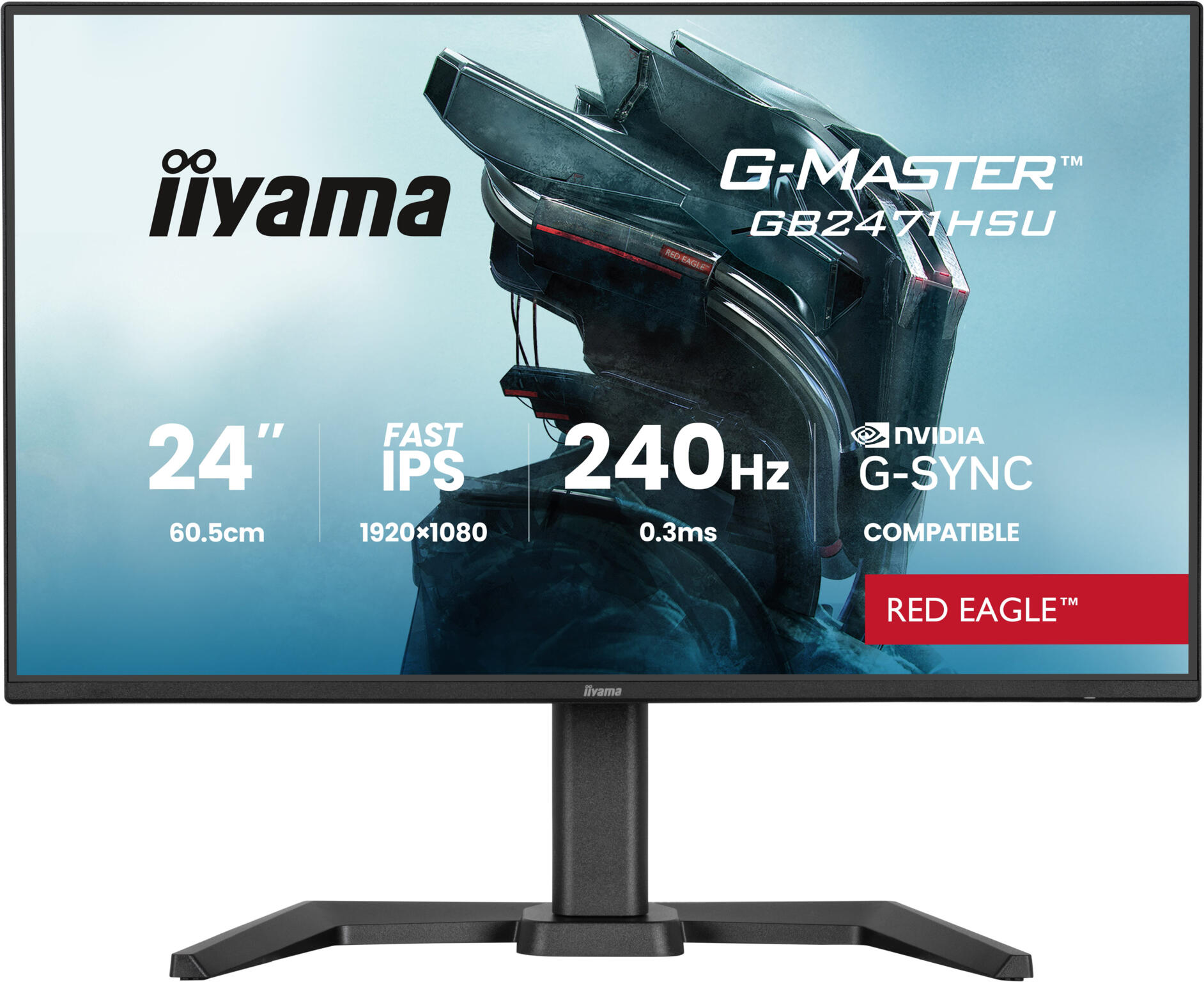
Black monitor
Confirmed delivered total: €129.00
Compare differences ›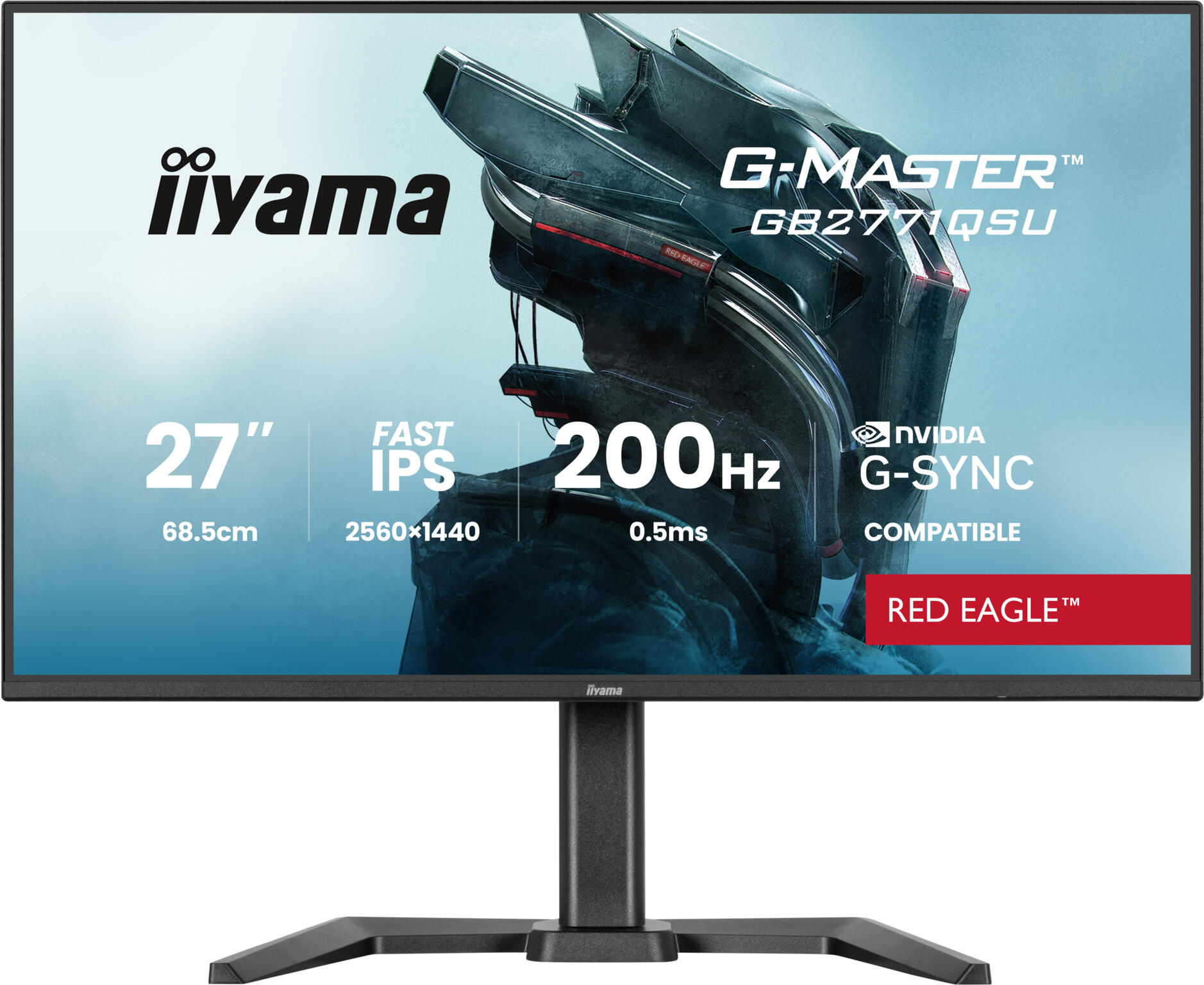
Black monitor
Confirmed delivered total: €179.00
Compare differences ›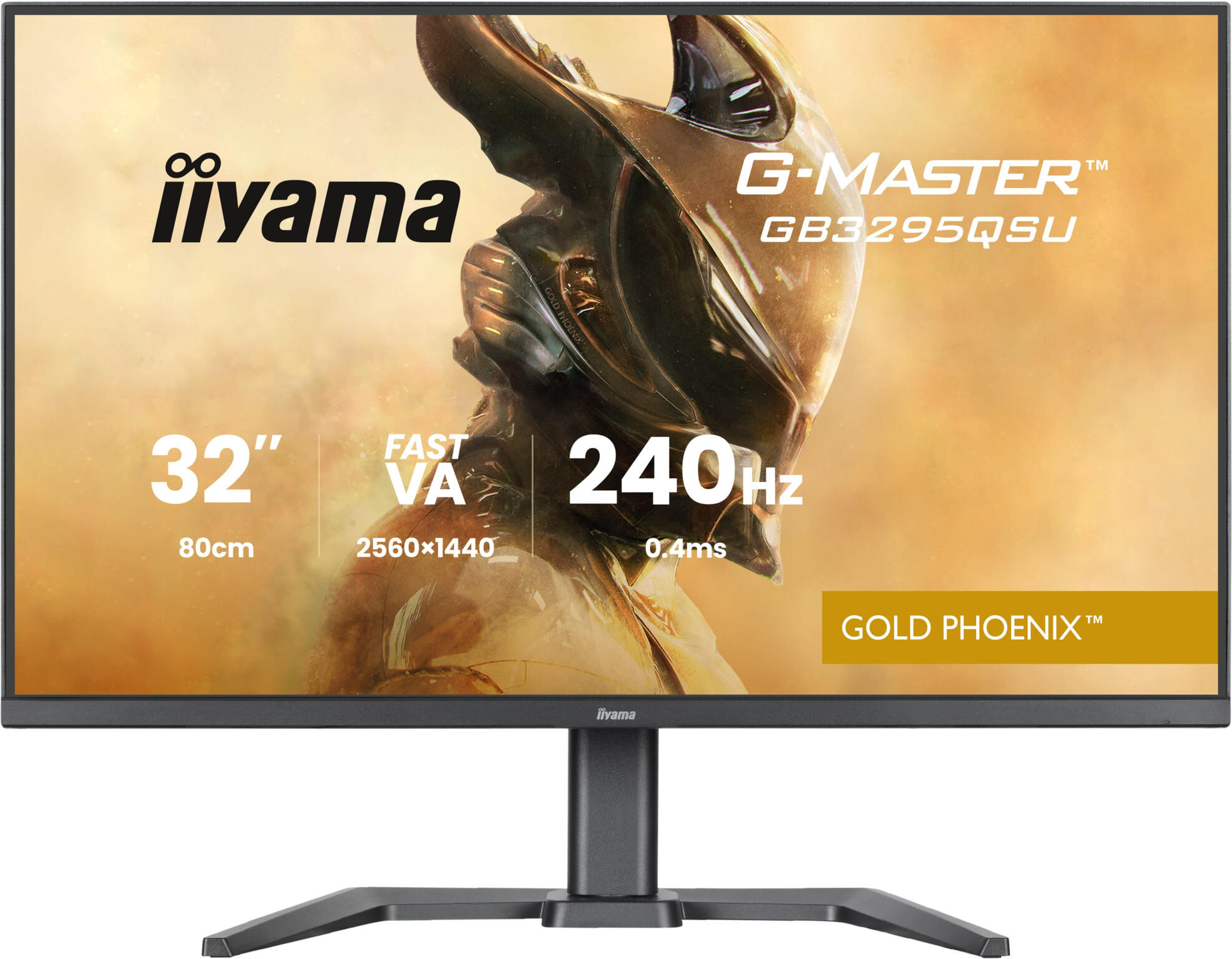
Black monitor
Confirmed delivered total: €269.00
Compare differences ›